
Charges with the planner closed
Close the planner and set your phone in the middle of the front cover. Your phone needs to support wireless charging; thick, metal or magnetic cases can stop it.
Illustration

A5 planner · power bank insideA5 planner · 10,000 mAh power bank inside
69.99CAD
Free shipping in Ontario · No tax added
Sound familiar?
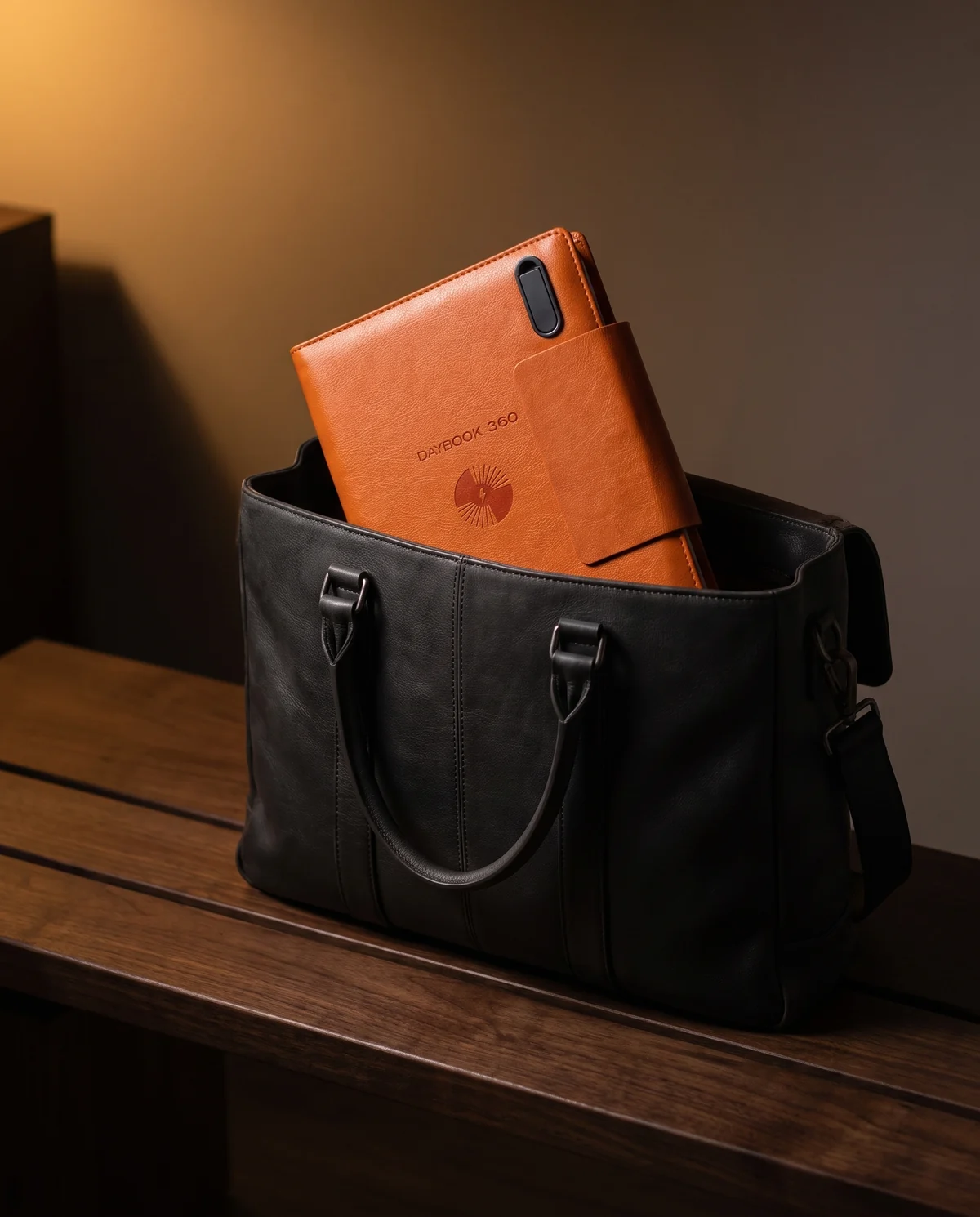
DAYBOOK 360 puts it all in one A5 planner you can take to every meeting.
10,000 mAh
Power bank
On the cover
Wireless charging pad
3 cables
USB-C, Lightning, Micro-USB
64 GB
USB drive
A5 · 6 rings
Refillable planner
Take it apart
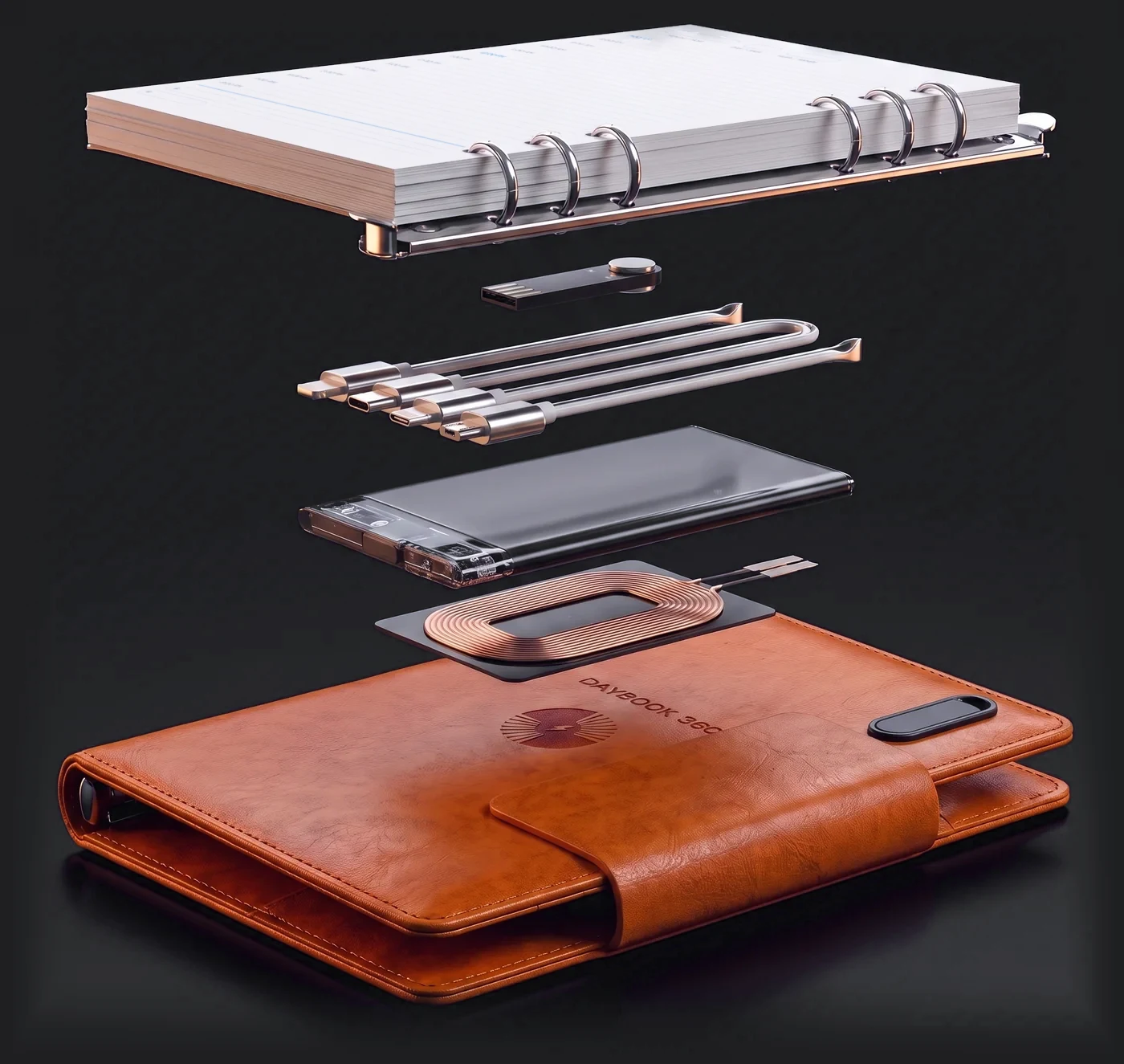
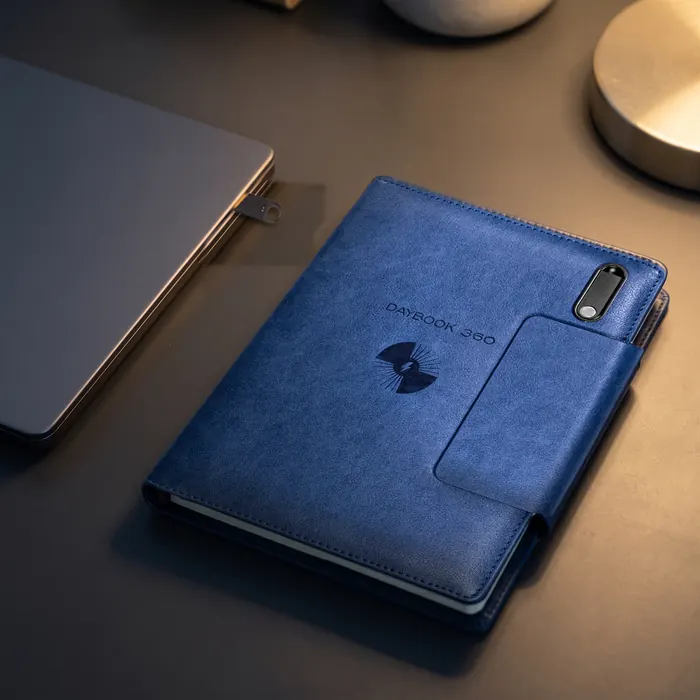
It looks like a classic A5 planner. Scroll to take it apart — five things in one cover.
Scroll
Exploded view, for illustration. In the real planner, the battery and the charging coil sit inside the covers.
Take it apart
6 rings
Six metal rings with undated English/French daily pages. Open the rings and swap in new A5 pages.
64 GB
It sits in a slot on the front cover. USB-A plug — laptops with only USB-C ports need an adapter.
3 cables
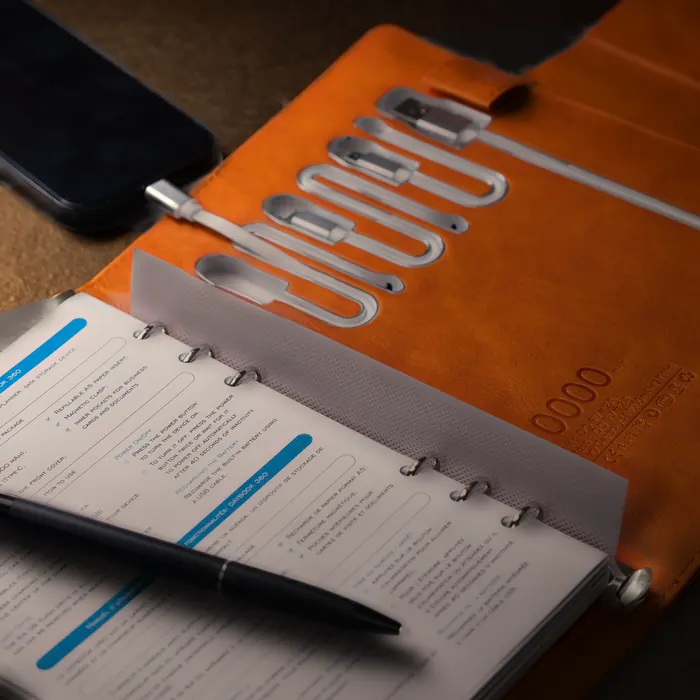
USB-C, Lightning and Micro-USB, plus a USB-A cable. All in the back cover.
10,000 mAh
Rated 10,000 mAh (37 Wh), as printed on the label. Press the power button to start charging your phone.
Wireless
Close the planner and place your phone on the front cover. Your phone needs to support wireless charging.
How it works
Open the back cover: the cables, the power button and the battery label are right there.
Illustration
01A5 pages on 6 metal rings
02USB-C · Lightning · Micro-USB — built in
03Battery: rated 10,000 mAh (37 Wh)

Made for real days
Close the planner and set your phone in the middle of the front cover. Your phone needs to support wireless charging; thick, metal or magnetic cases can stop it.
Illustration
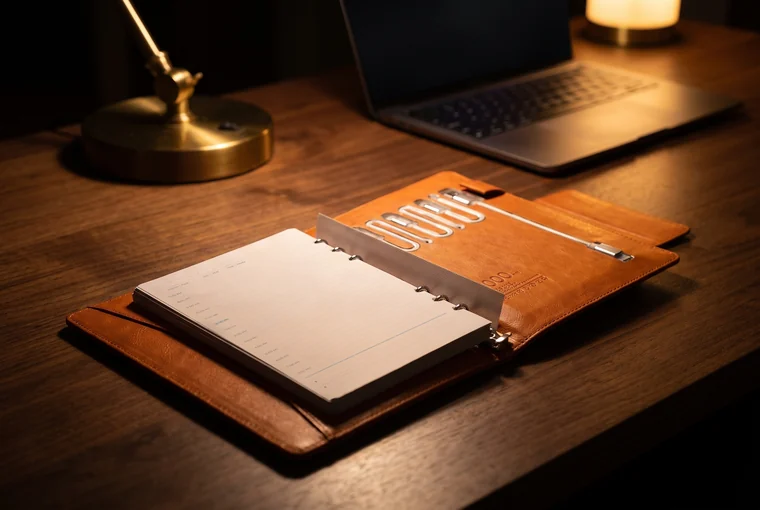
Planner open? Use the built-in USB-C, Lightning or Micro-USB cable — a cable passes more of the energy to your phone.
Illustration
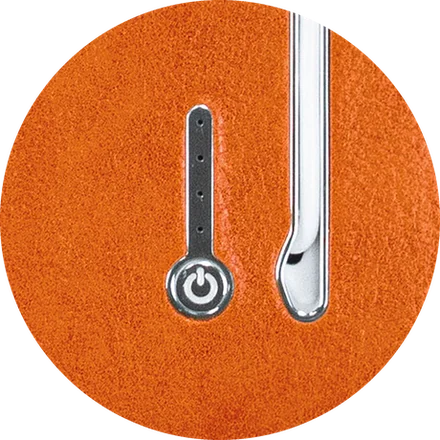
Press the power button to start. When nothing is charging, it powers down after 40 seconds — nothing to remember.
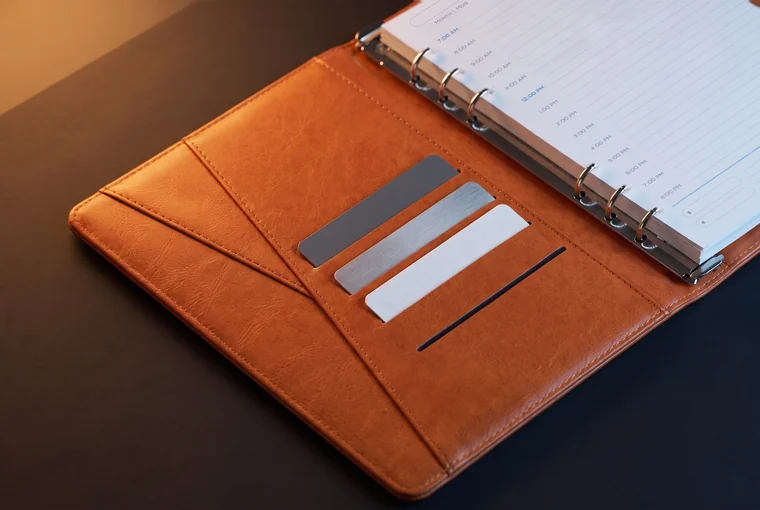
Cards, receipts and loose notes stay in the front cover. The pen loop holds your own pen (pen not included).
Illustration
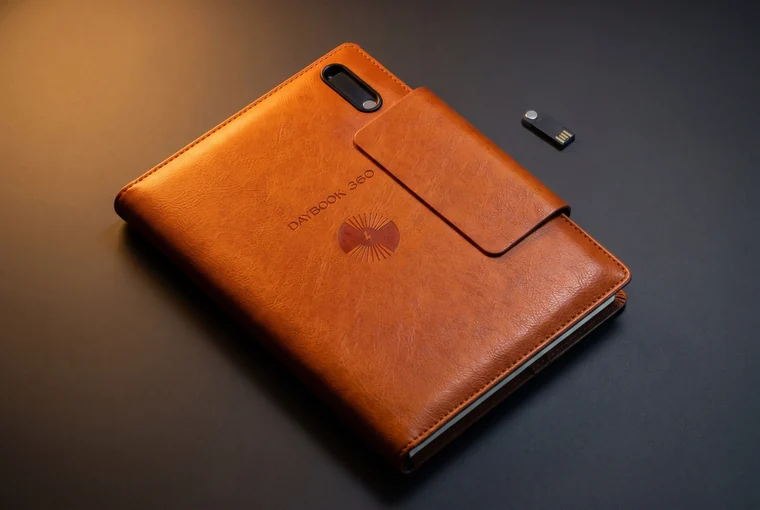
The 64 GB USB drive lives in a slot on the front cover. Pull it out, plug it in, put it back.
Illustration
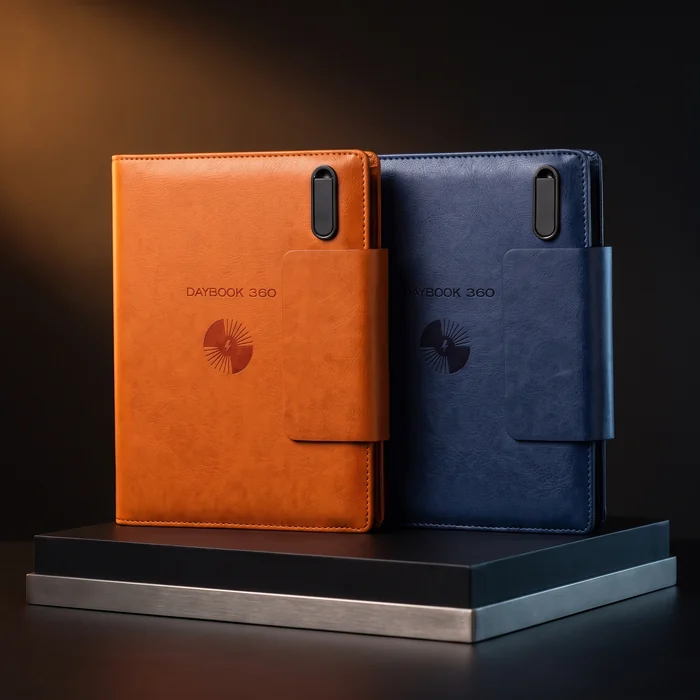
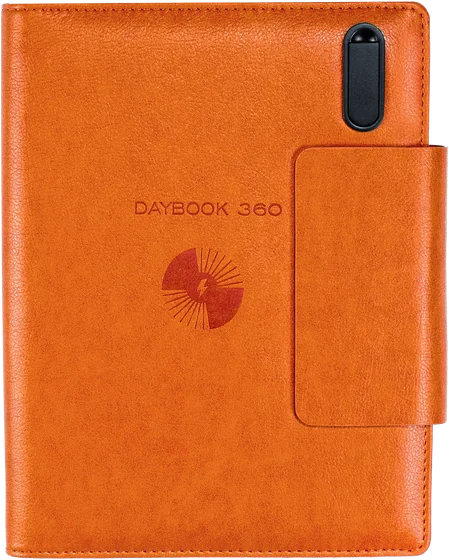
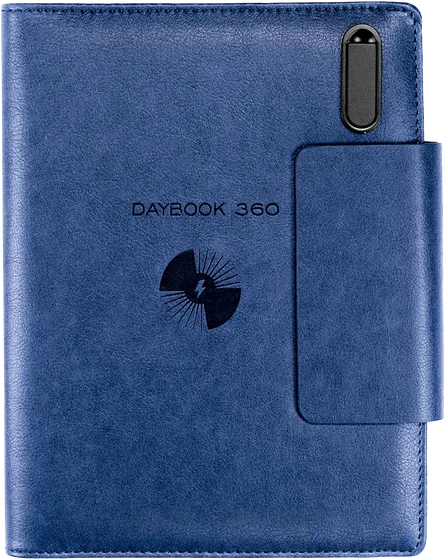
Two colours
Illustrations based on photos of the real DAYBOOK 360.

Details
Compare the cost
Bought separately
5 things to carryfrom 116.90 CAD
DAYBOOK 360
1 thing to carry69.99 CAD
Choose your colourLowest prices we found at Canadian online retailers on September 25, 2026, before tax and delivery. The separate items are examples and their specs differ: for example, a separate power bank can charge faster. Prices change.
Two colours
Same planner, same price — just pick your colour.
Shipping
Free, to Ontario addresses only. Ships within 1 business day by Canada Post Regular Parcel, with tracking; delivery takes up to 8 business days (2–3 to most Ontario addresses). We can’t ship to remote communities served only by air.
Returns
Within 30 days of delivery, unused and in its original packaging. Arrived damaged or not working? Don’t mail it back — email us a photo and we’ll replace it or refund you.
Warranty
12 months on the battery, wireless charging, cables and USB drive.
Payment
Card, Apple Pay or Google Pay. Payments are processed by Stripe; we never see your full card number.
Full terms: shipping, returns, warranty and privacyQuestions about the planner? Email us: info@daybook360.com
Treat it like any power bank. Recharge it with a USB cable from a wall adapter or a computer (input 5 V DC, 2 A, as printed on the label). Keep it away from water and heat, don’t leave it in a hot car, and don’t open the cover to get at the battery.
Yes — keep it with you in your carry-on. CATSA advises against putting power banks in checked baggage or overhead bins, and most airlines allow power banks up to 100 Wh without special approval; DAYBOOK 360 is rated 37 Wh. Many airlines don’t allow charging from a power bank on board — check with your airline.
The battery, wireless charging, built-in cables and USB drive are covered against manufacturing defects for 12 months from delivery. Arrived damaged or not working? Don’t mail it back — email us a photo and we’ll replace it or refund you.
By cable, yes — any time, if your phone uses USB-C, Lightning or Micro-USB. Wirelessly, if your phone supports wireless charging: close the planner and place the phone in the middle of the charging area on the front cover.
It depends on the case. Thick, metal or magnetic cases, rings and cards can stop wireless charging. If it doesn’t start, take the case off or use a cable.
The battery is rated 10,000 mAh (37 Wh) — it’s printed on the label inside the back cover. The number of full charges depends on your phone’s battery and on cable or wireless charging; a cable passes more of the energy to your phone.
Press the power button inside the back cover to turn it on. To turn it off, press the button twice — or leave it: it turns itself off after 40 seconds when nothing is charging.
Recharge the built-in battery with a USB cable from a wall adapter or a computer (input 5 V DC, 2 A, as printed on the label). A wall adapter isn’t included.
It has a USB-A plug. Laptops with only USB-C ports need an adapter.
Yes: open the rings and swap in new A5 pages.
Yes. The daily pages and the user guide are bilingual.
Wipe it with a dry or slightly damp cloth. Keep it away from water and heat, and don’t leave it in a hot car.
Yes — within 30 days of delivery, unused and in its original packaging. Email us first; return shipping is paid by you, by ground (the planner has a lithium-ion battery). We refund the product price within 15 days of receiving it.
For anyone who takes notes and carries a phone, it’s a practical gift. It comes in plain packaging, without gift wrap. We ship within 1 business day, and delivery in Ontario takes up to 8 business days (2–3 to most addresses).
An A5 planner, a 10,000 mAh power bank, built-in phone cables and a 64 GB drive — in one cover.
Illustration
